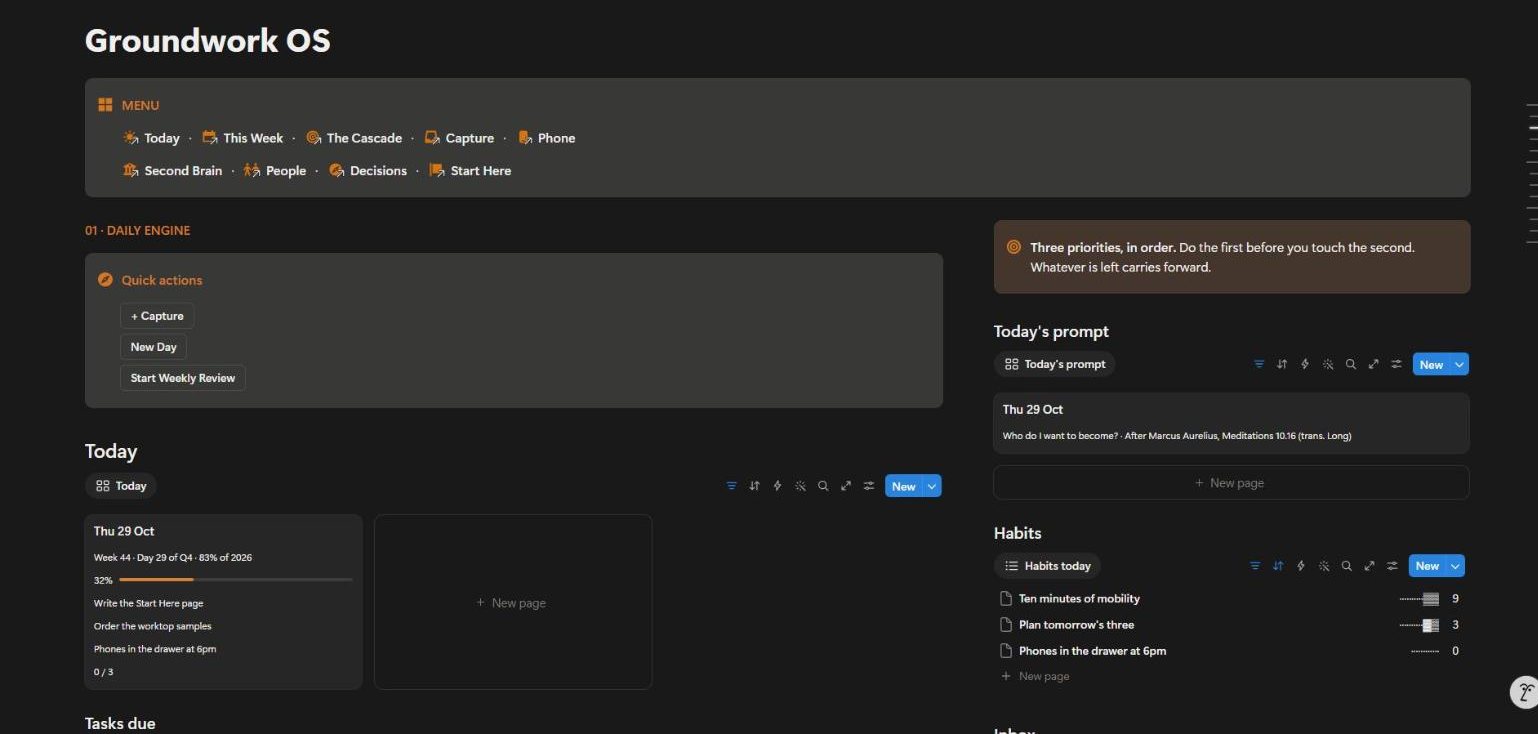
Your day on one screen
The menu, quick actions, today's day sheet with three ranked priorities, a daily prompt, habits due today and the inbox. The page that opens every morning.
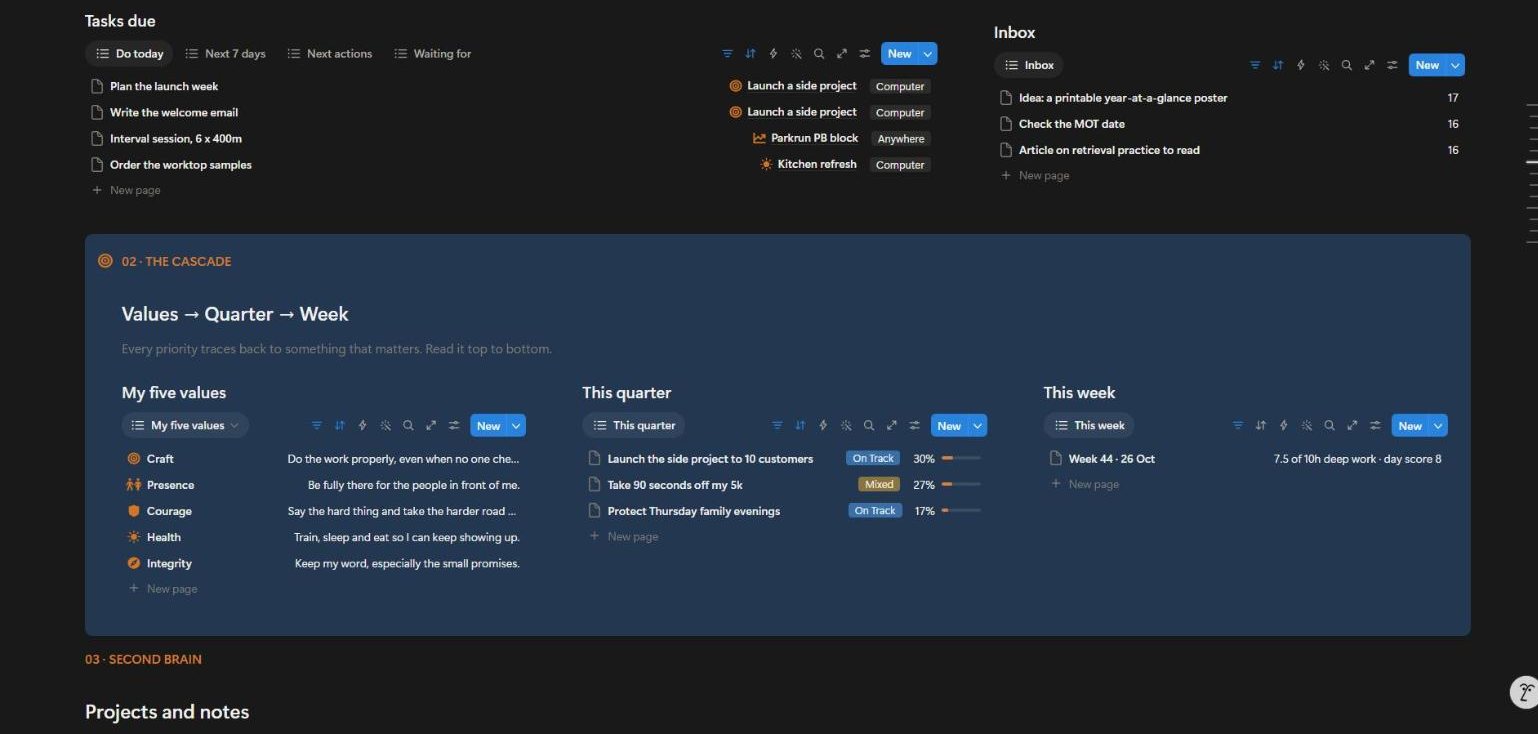
Values to quarter to week
Tasks due today, then the cascade: five values, this quarter's goals with live progress bars, and this week's record. Every priority traces back to something that matters.
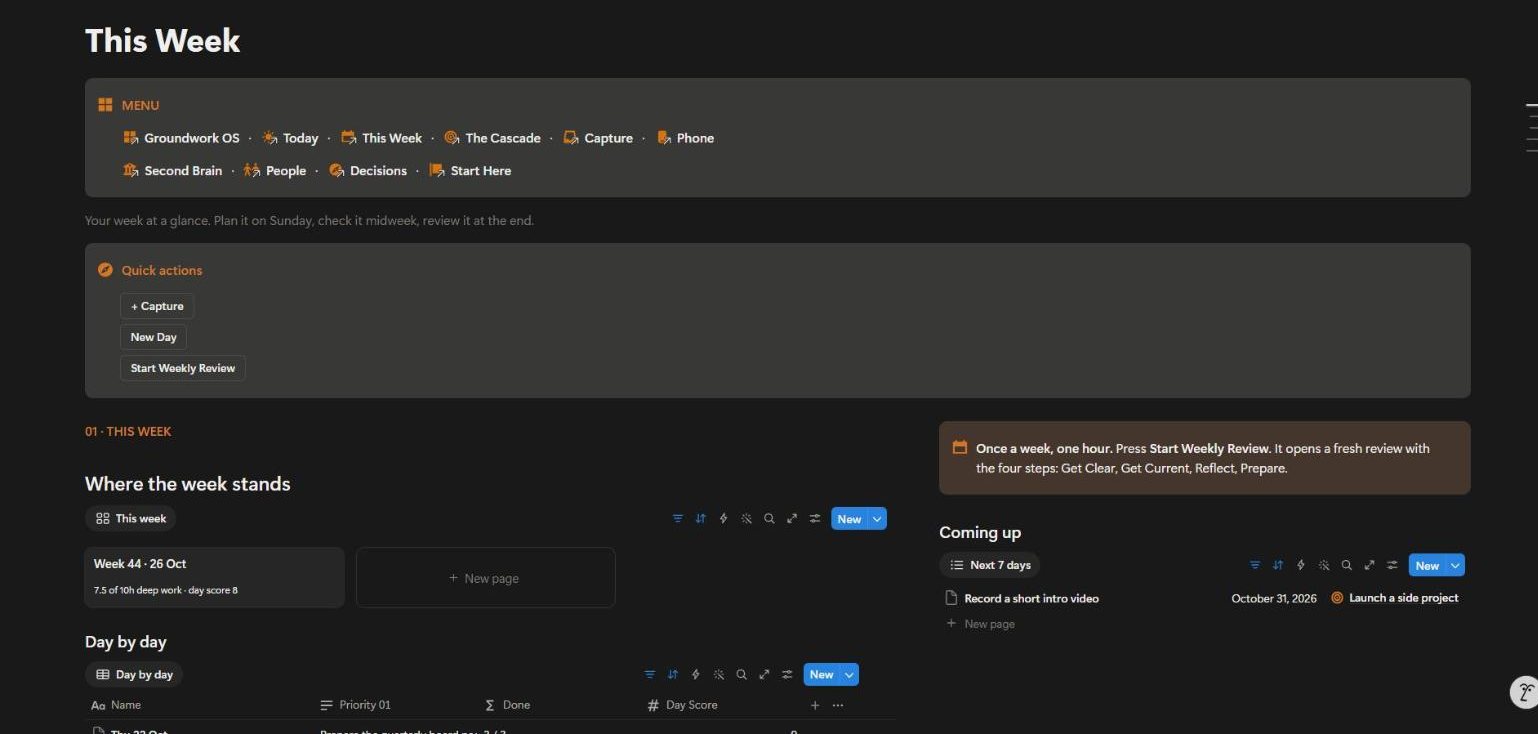
The weekly review, built in
Where the week stands, what's coming up in the next seven days, and a day-by-day record. One button starts a fresh weekly review: get clear, get current, reflect, prepare.
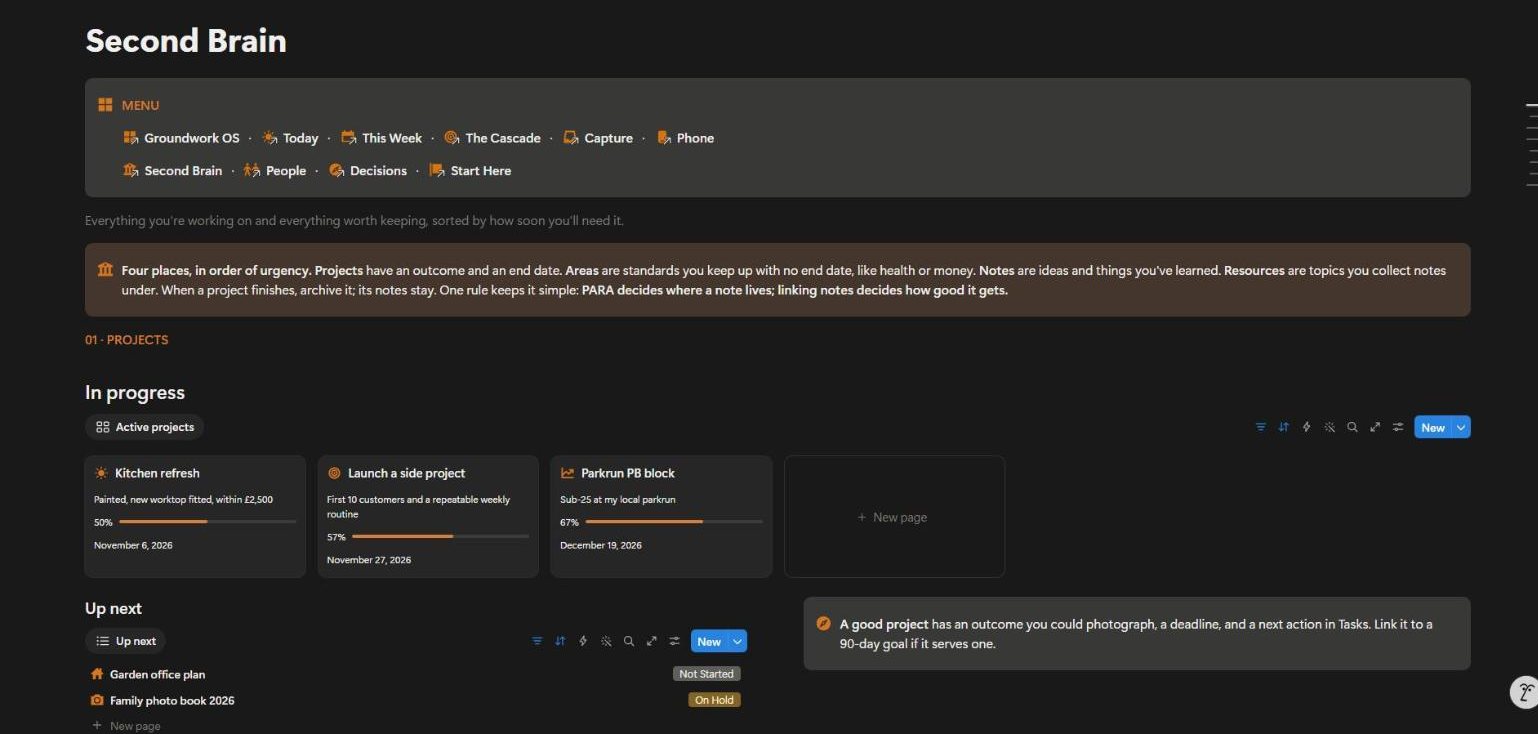
Projects and notes, sorted
Projects, areas, notes and resources, organised by how soon you'll need them. Active projects show outcome, deadline and progress at a glance.
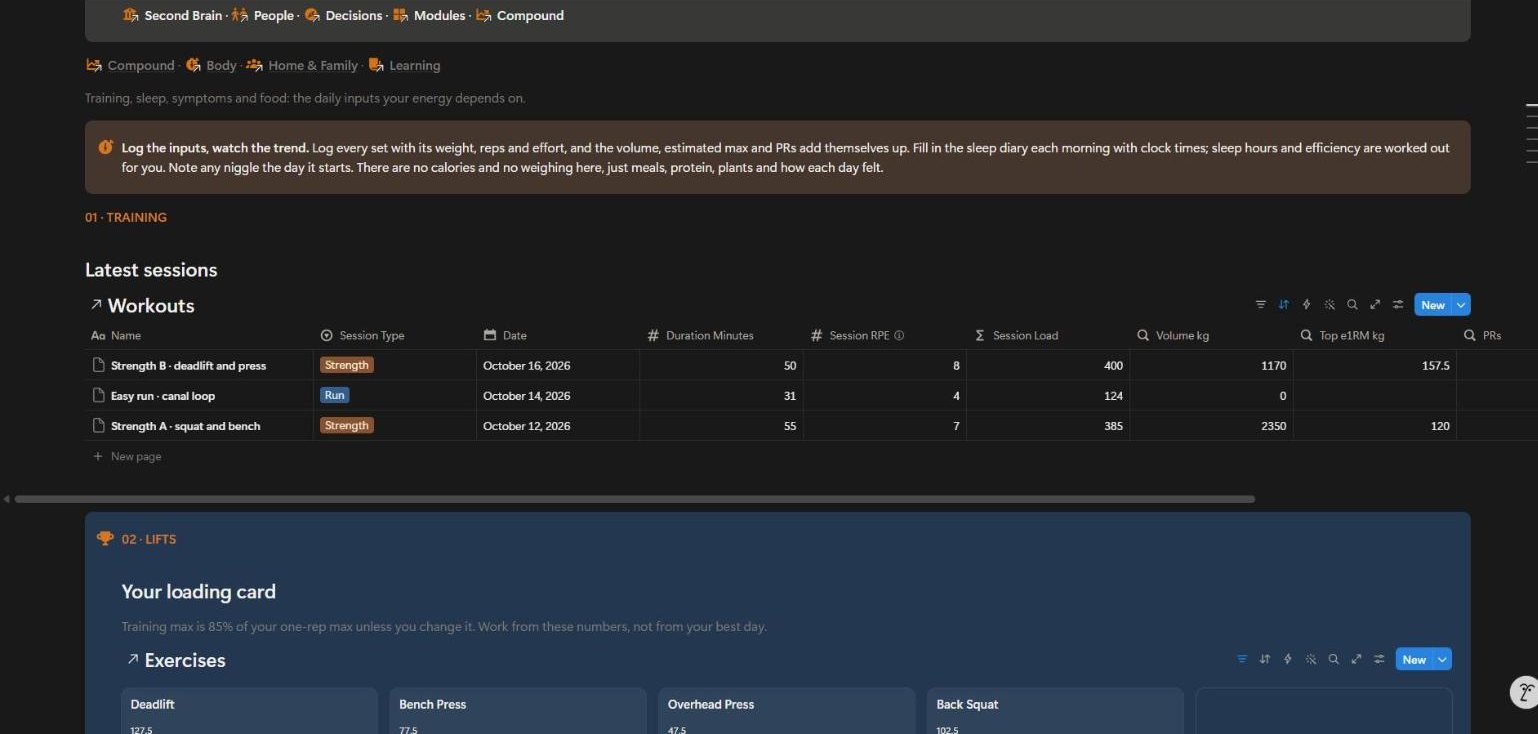
Training, sleep and food
Log sets, sessions and sleep; volume, estimated max and PRs calculate themselves. Part of the Compound module, included in Groundwork Complete and the Module Pack.
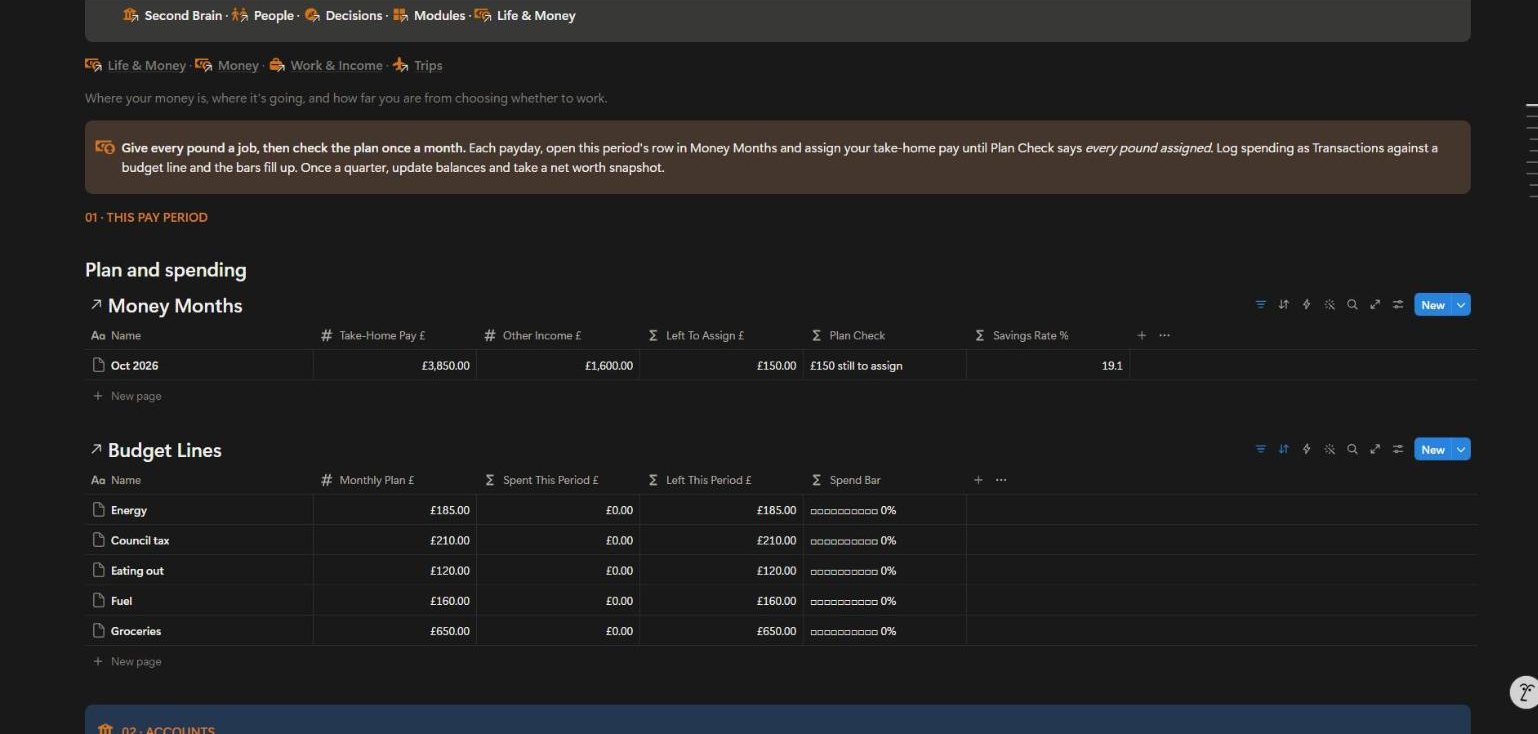
Every pound a job
Payday-to-payday budgeting with a live plan check, budget lines that fill as you spend, accounts and net worth. UK-built. Part of the Life & Money module.