Do I need a paid Notion plan? ▼
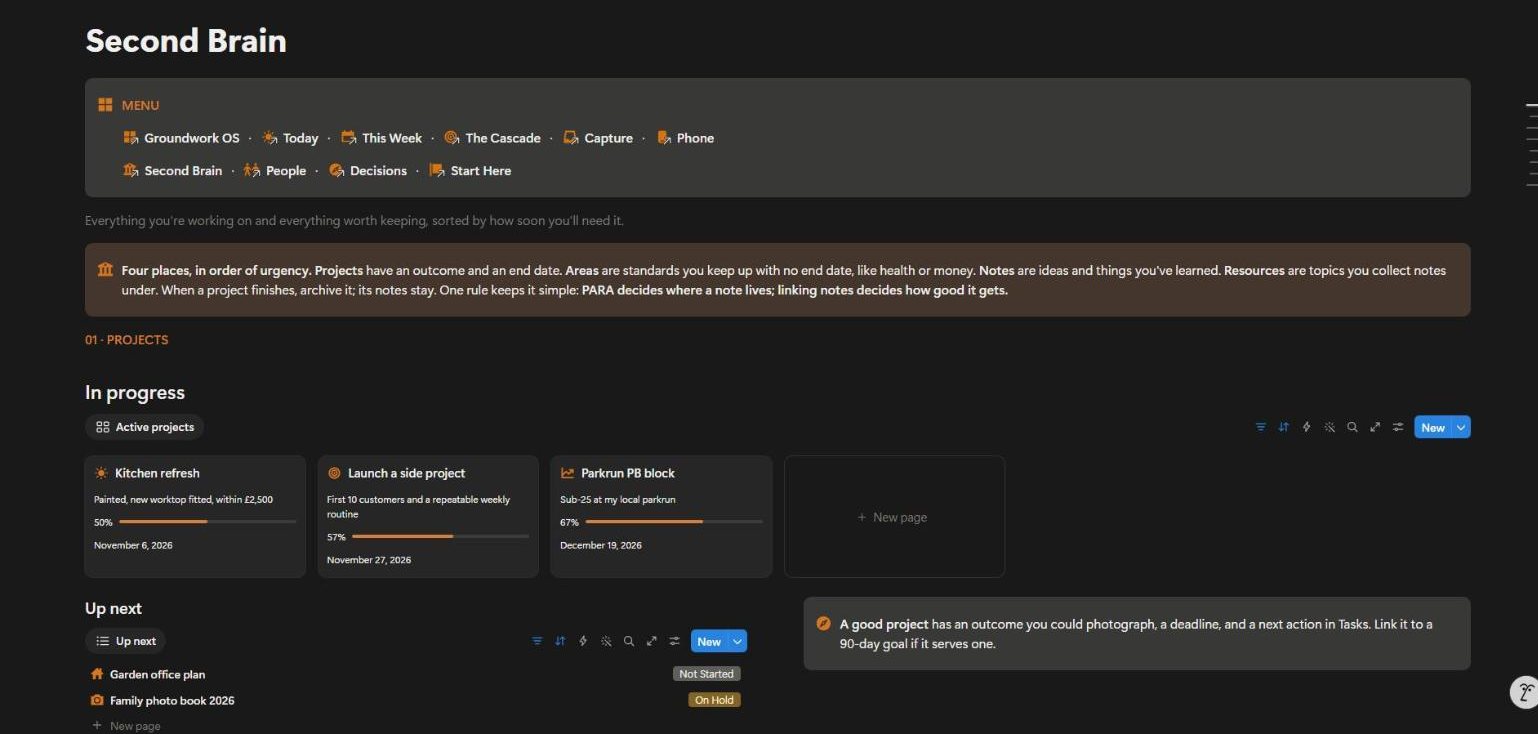
No. The Groundwork OS works on Notion's free plan. All databases, relations, rollups, and page templates are fully available. If you use Notion heavily across multiple workspaces, a Plus plan (around $8/month) removes all block limits — but for most users the free plan is never a constraint in daily use.
How long does setup take? ▼
The template is delivered as a pre-built Notion workspace. Setup is: click the template link, click Duplicate, enable dark mode, read the Groundwork Guide (20 minutes), and open the Hub to create your first daily entry. You can be using the daily ritual on day one within an hour of purchase. The deeper layers — Compound, Coaching, Resilience — you add over the following weeks as the habit builds.
How is this different from Ultimate Brain? ▼
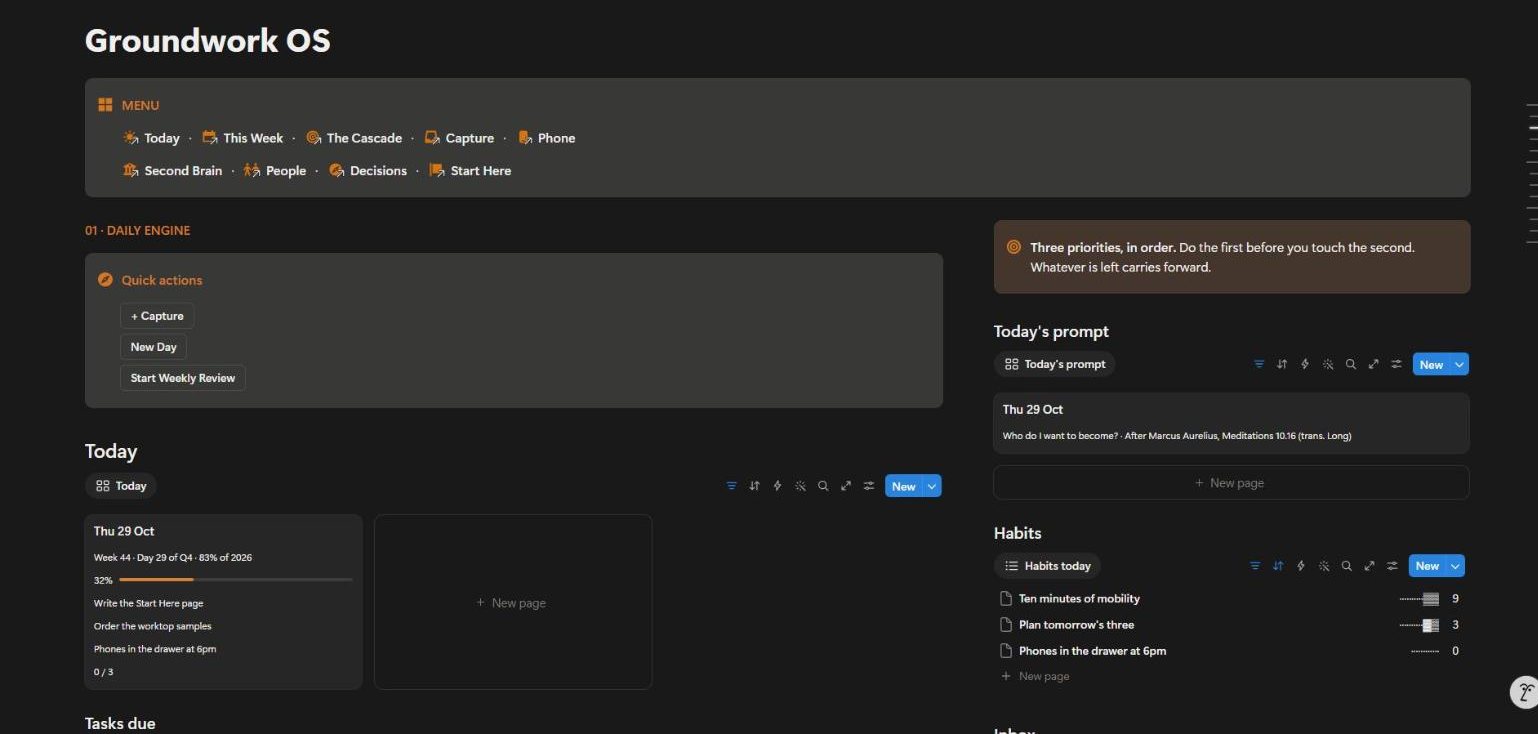
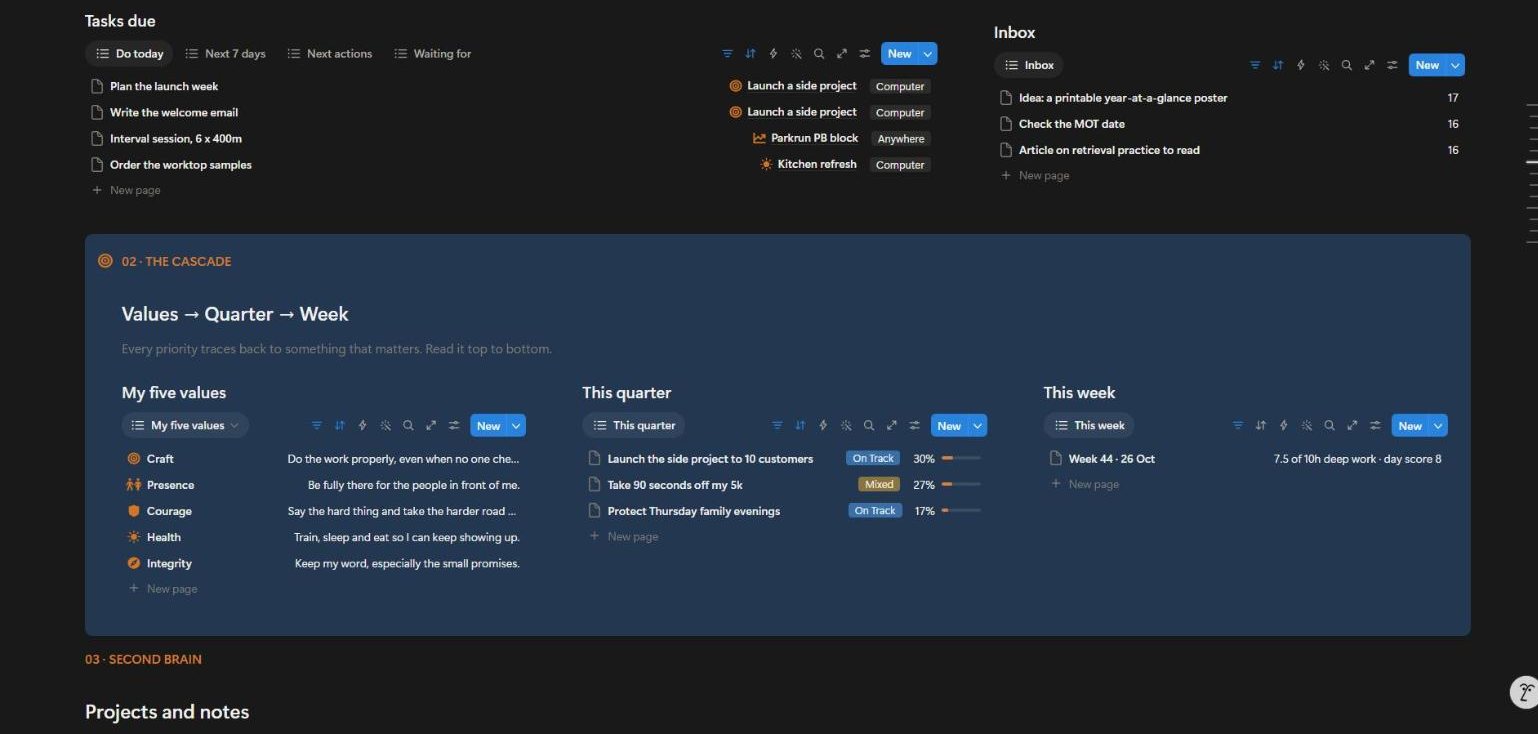
Thomas Frank's Ultimate Brain is an excellent collection of task management and note-taking tools. It has no visual identity, no coaching or resilience layer, no cascade from values to daily priorities, and no physical product counterpart. The Groundwork OS is built around a single philosophy — the Cascade — where every daily action traces back to a value. It also has a premium industrial design identity that makes it genuinely pleasant to open every morning. You won't use a system you don't want to look at.
What if I've never used Notion before? ▼
You'll be fine. The OS ships with a Setup Guide that walks you through duplication, basic Notion navigation, and your first daily entry — twenty minutes from purchase to running the daily ritual. The OS uses standard Notion features only (databases, relations, rollups, page templates) — no formulas you'd need to debug, no third-party integrations. If you can use Google Docs, you can use this.
Does it work on mobile? ▼
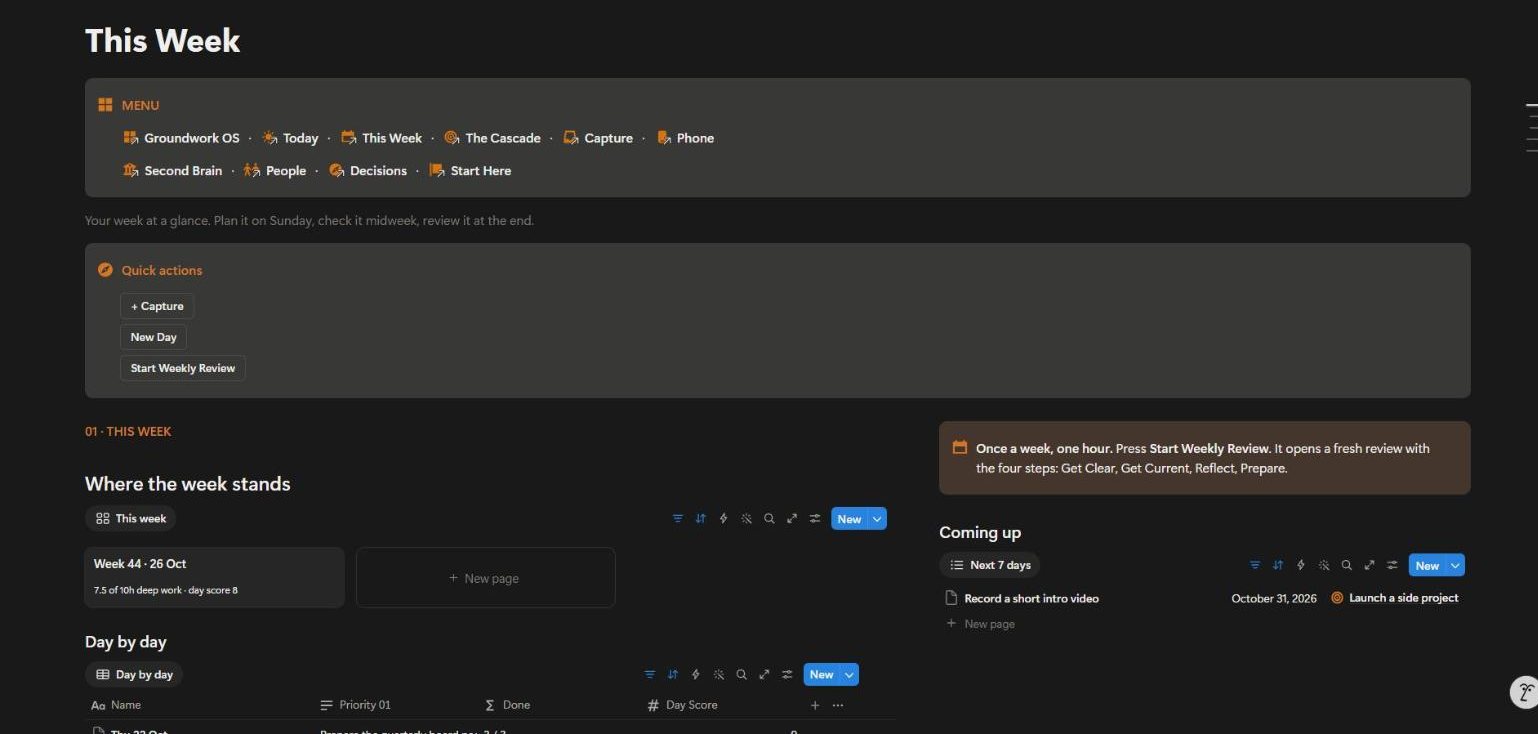
Yes — the Hub, Daily Focus Sheet, and Brain Dump are designed to be usable on Notion's mobile app. The longer-horizon tools (Annual Blueprint, 90-Day Debrief) read on mobile but are best edited on desktop. Realistically: capture and daily ritual on phone; weekly review and quarterly debrief on a laptop.
Will I get free updates? ▼
Yes. Because this is a Notion template, you receive a fresh copy of the latest version with each major update — never automatic, always opt-in. Each release ships with an Upgrade Guide showing exactly what changed and how to migrate your existing data. Updates are typically twice a year, focused on new tools or methodology refinements rather than visual churn.
Is this for personal use or can I use it with a team? ▼
Personal use. The Method is built around individual planning — values, daily priorities, weekly review, quarterly debrief. You can share specific pages with collaborators (a project page, a meeting note) but the core OS is designed to be your private workspace. If you're building a team productivity system, the OS is not the right tool.
Refund policy? ▼
Yes — 30-day refund guarantee on all direct purchases. If the OS doesn't fit your week within thirty days, email refunds@groundworkos.co with your order number. No questions asked. Etsy purchases follow Etsy's own digital-goods refund policy. The methodology is documented thoroughly enough that you'll know within a week whether it's for you.
Does it work alongside the print products? ▼
Yes — that's the design intent. Many users print the daily sheet for morning priorities (pen on paper, no notifications), work in Notion during the day for task management and deep work logging, and annotate in GoodNotes on their iPad in the evening. The methodology is identical across all three formats. The Notion OS adds the connective layer — live data, linked views, and long-horizon tracking — that print can't do.
What's the difference between this and reading the books? ▼
The books tell you the principles. The Method tells you how the principles fit together. The OS gives you the actual built workspace where they run.
The Groundwork Method page sets out the full synthesis and what each book contributes to it. If you're someone who's read the books and is still missing a working system on Monday morning — the OS is the missing piece.